

Add custom instructions
Fine-tune how Ducat logs expenses through custom instructions
Ducat accurately formats, categorises and logs transactions from your prompts most of the time.
However, sometimes, it may incorrectly categorise or format a transaction because it lacks your personal context.
You can fine-tune Ducat to understand your lingo, conventions and other personal information and log your expenses accurately everytime.
Setting instructions
Navigate to Settings → Custom instructions to open the custom instructions page:
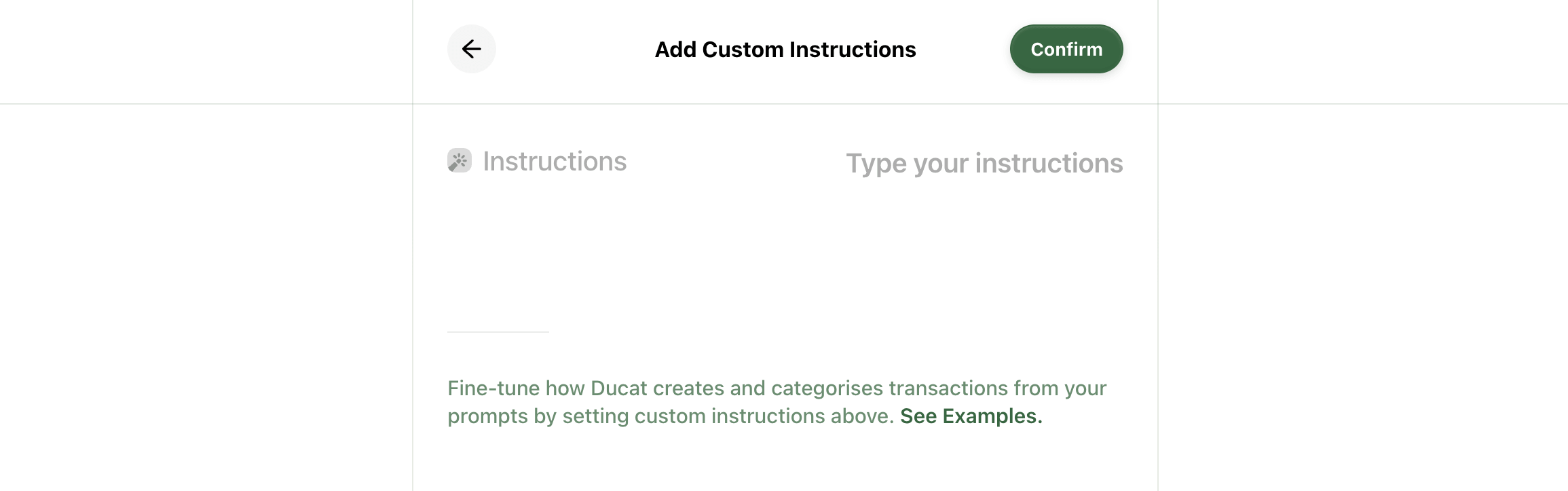
Ducat will use your saved instructions from this page the next time you log a new transaction.
For example, I have a dog named Miles. When I mention “chicken for Miles” or “boarding for Miles”, Ducat often wrongly categorises the expense under Groceries or Travel because it doesn't know who Miles is.
To provide more context, I can add instructions in natural language like this:
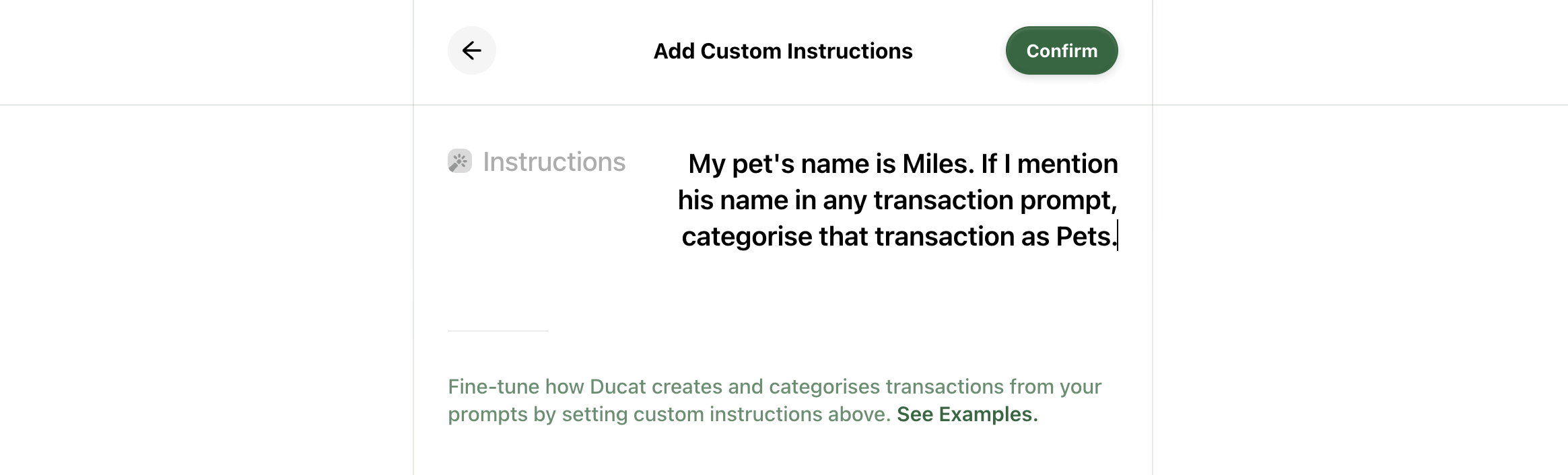
Ducat now knows Miles is my pet, and will accurately categorise transactions related to him under the Pets category.
When instructing Ducat to mark specific transactions under particular categories, ensure the category exists in your list.
You can add instructions for transactions related to your kids, business, or anything else that might help.
Clearing saved instructions
If your previously saved instructions are no longer helpful or they're interfering with your daily logging, you can remove custom instructions by clearing instructions from the text box and saving your changes.
Need more help?
Email your question or issue and we’ll get back to you shortly.
Send an email