

Adjust account balance
Adjust your combined account balance in a few steps.
Your combined account on Ducat can drift from your actual bank account balances if you miss adding a few transactions or external money transfers.
When that happens, you can adjust your account balance by clicking the balance information on the home page:
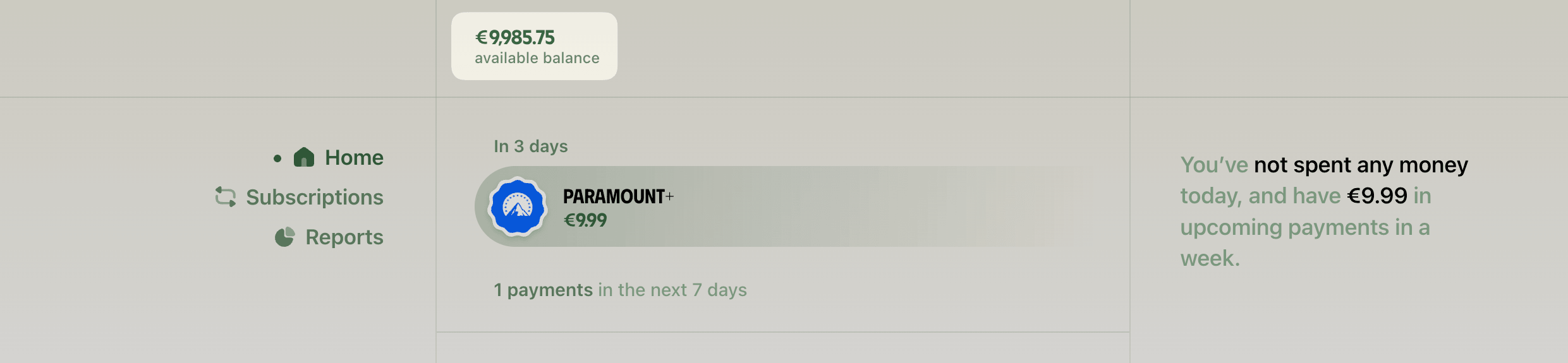
This will open the update account balance page, where you can choose your balance value type, positive or negative, and set your account balance to the new value:
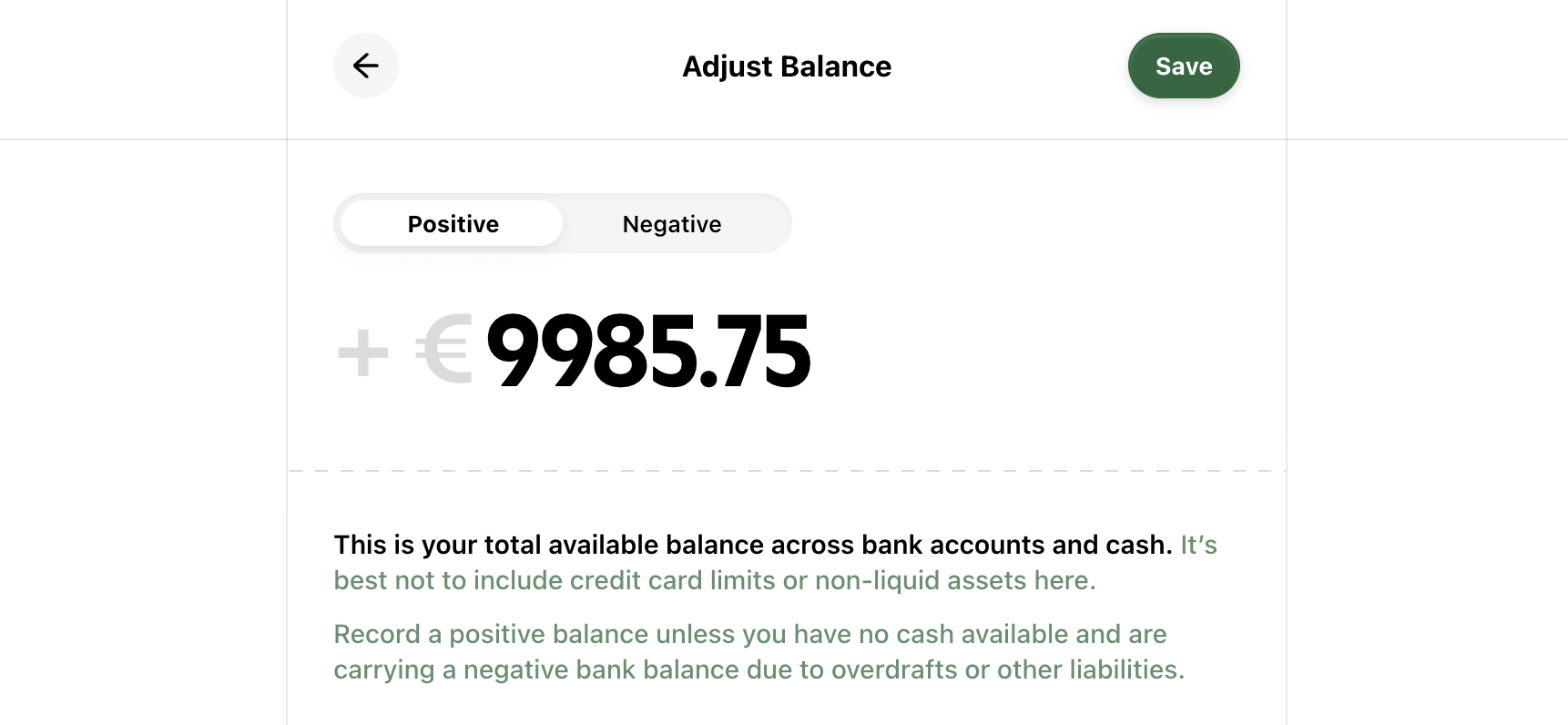
While it's ideal to keep your account balance in sync by logging your expenses and income, this option lets you reset your account balance when those occasional misses occur.
Need more help?
Email your question or issue and we’ll get back to you shortly.
Send an email